I'm stuck, how do I get support?

If you do get stuck or have a curly one, send us a message via the contact form. Please include as much information as possible, includingincluding:

    screenshots andshowing the issue you're experiencing any relevant file attachments,attachments and(e.g. informationCSV aboutfiles) If using the app:
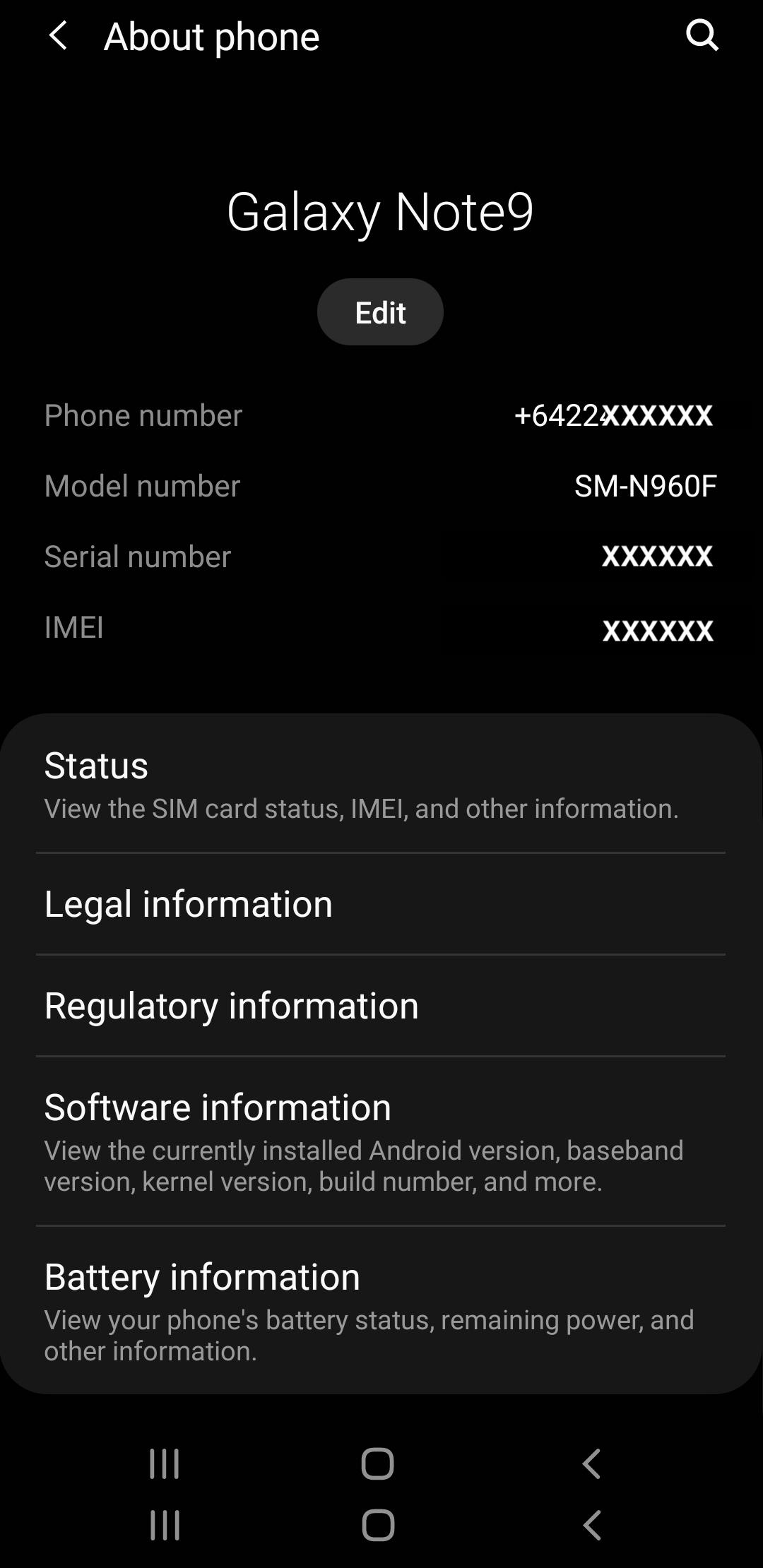
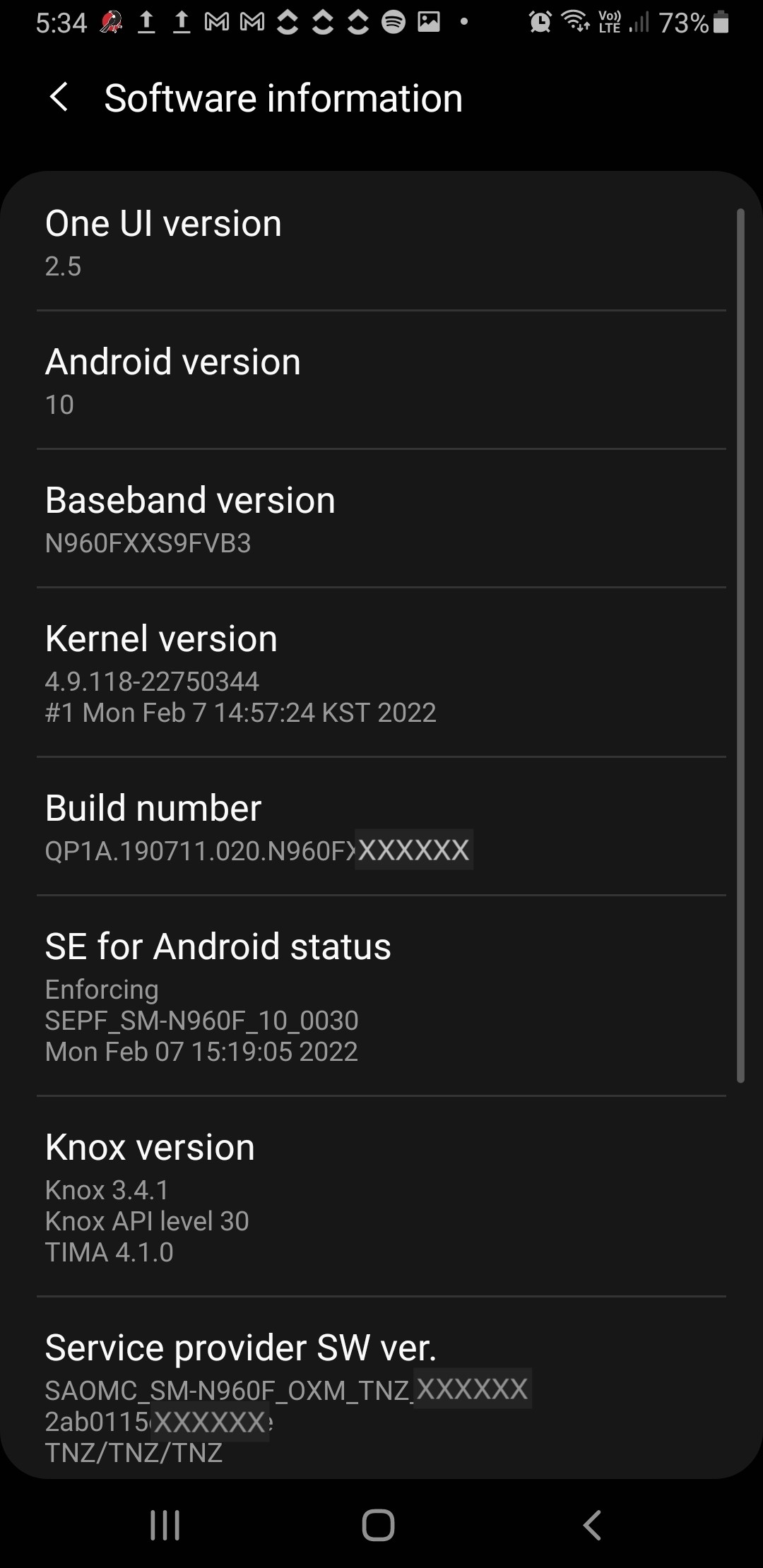
      What device you are using (e.g. Samsung Galaxy S10, iPhone 7) What OS you have running on the device you're(e.g. using,Android andv the12, iOS 15.3.1) The Trap.NZ app version number If using the website:
        What OS you are running (ife.g. applicable). Windows 11, macOS 10.12) What browser you are using (e.g.

        How to find the app version number

        When you're logged in to the app:

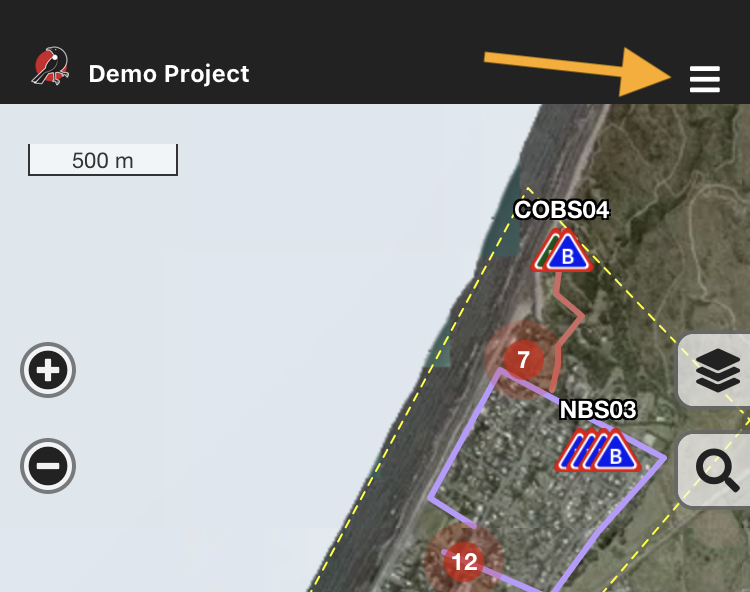
        1. Select a project - the project map will load
        2. Tap the hamburger menu in the top right corner
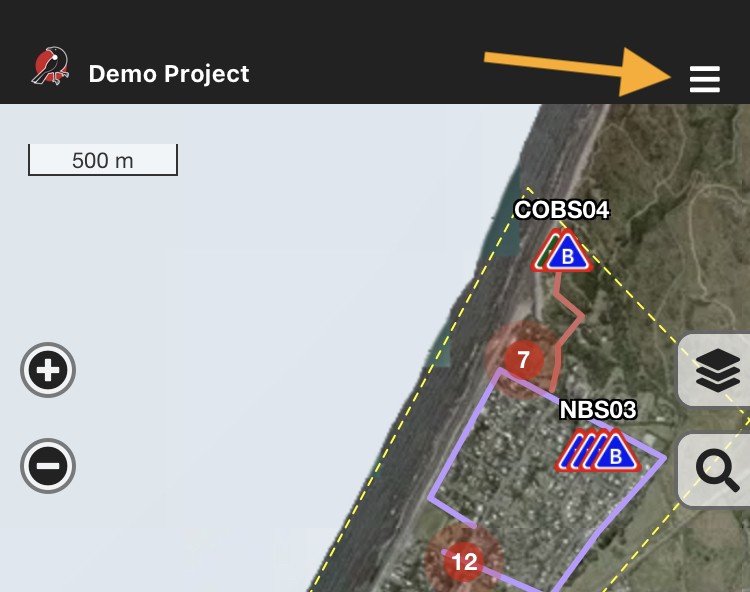
          Hamburger menu

        3. Click "About"
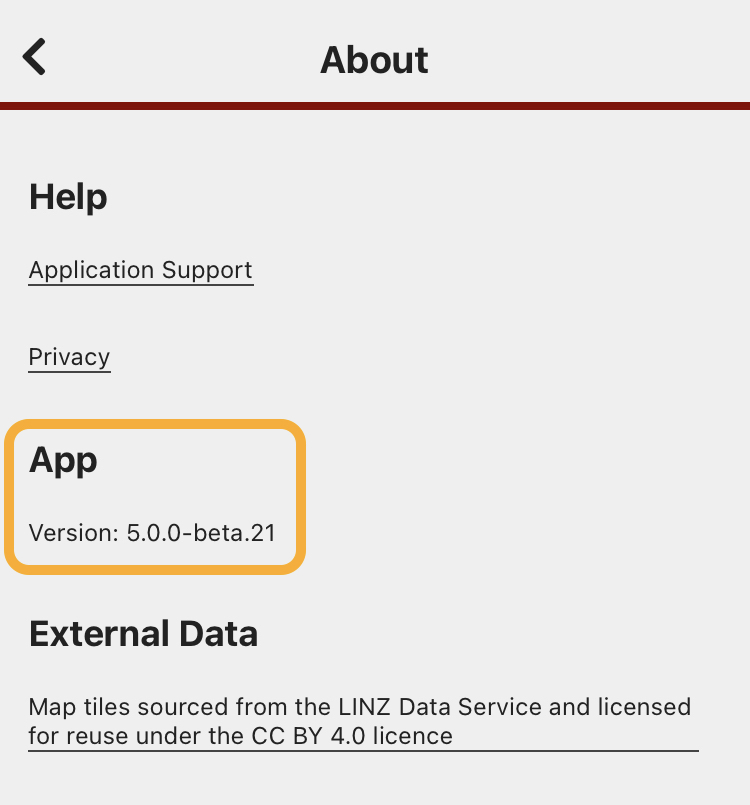
        4. The version number is listed under the "App" heading
        App: About menu


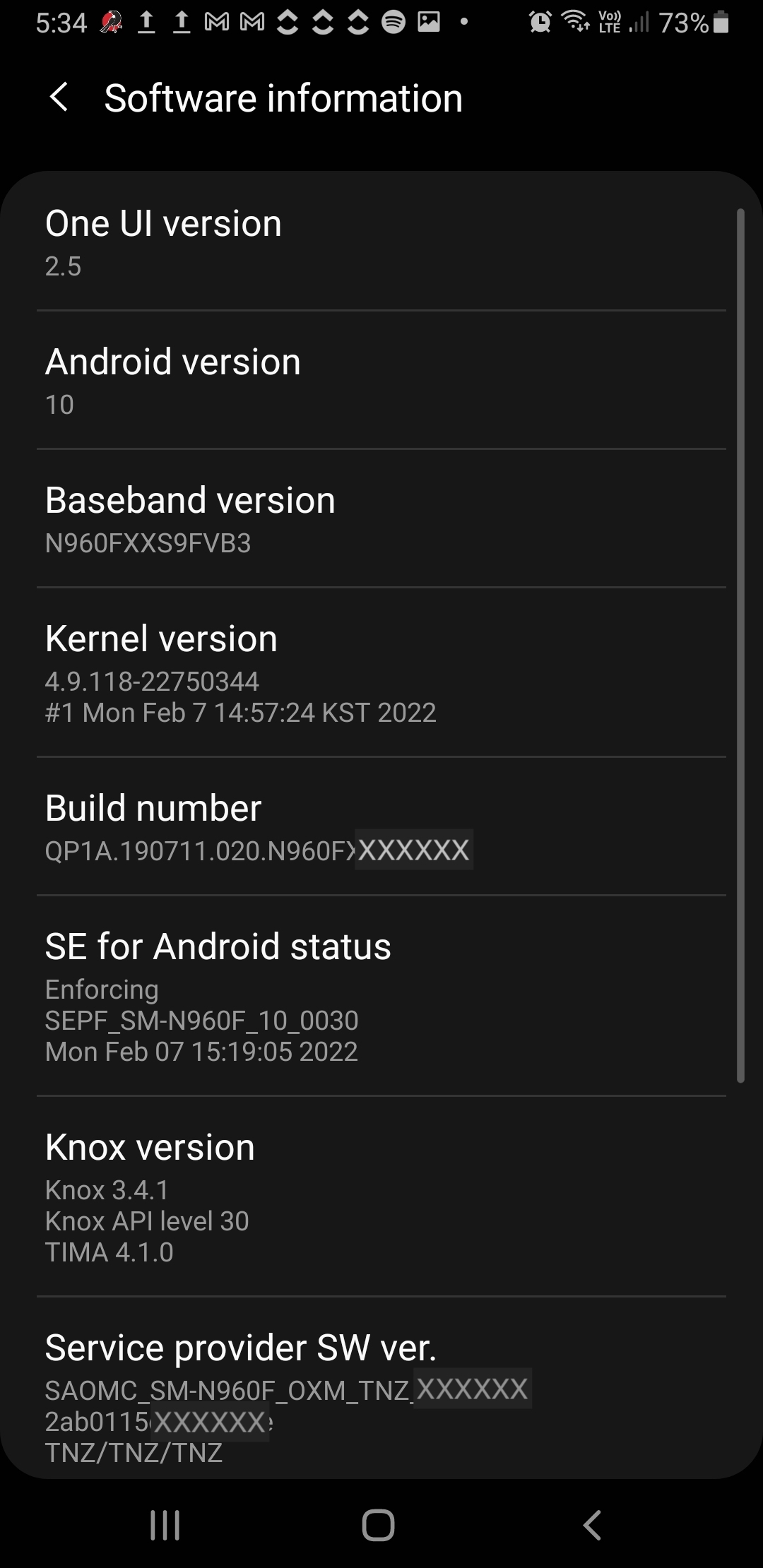
        How to find your app device OSinformation

        Android

        Settings > About phone
        about software.jpg  about_phone.jpg  

        about software.jpg


        Apple / iOS

        Settings > General > About
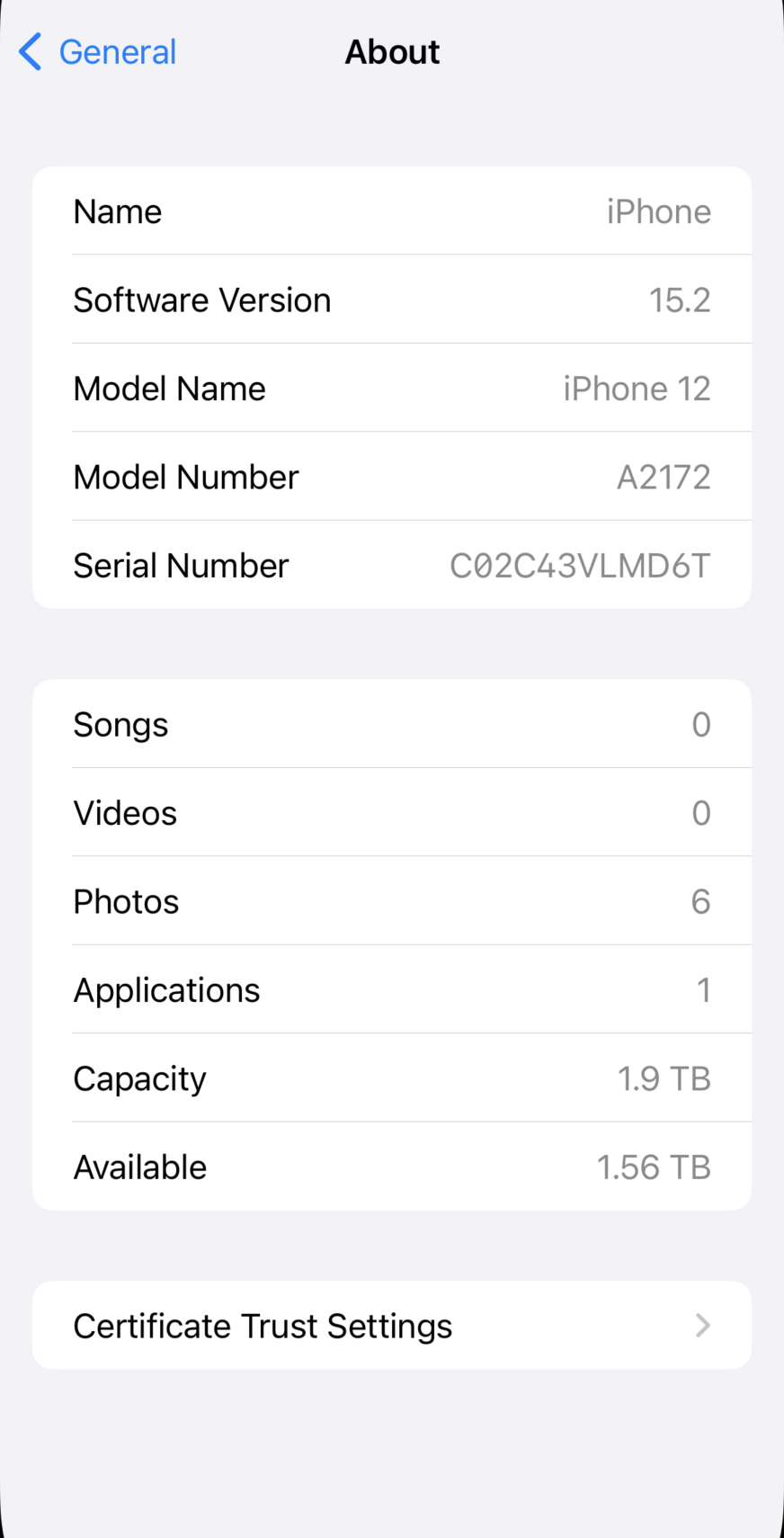
        image-1646862245797.png