I'm stuck, how do I get support?
If you do get stuck or have a curly one, send us a message via the contact form. Please include as much information as possible, including:
- Screenshots showing the issue you're experiencing
- Any relevant file attachments (e.g. CSV files)
- If using the app:
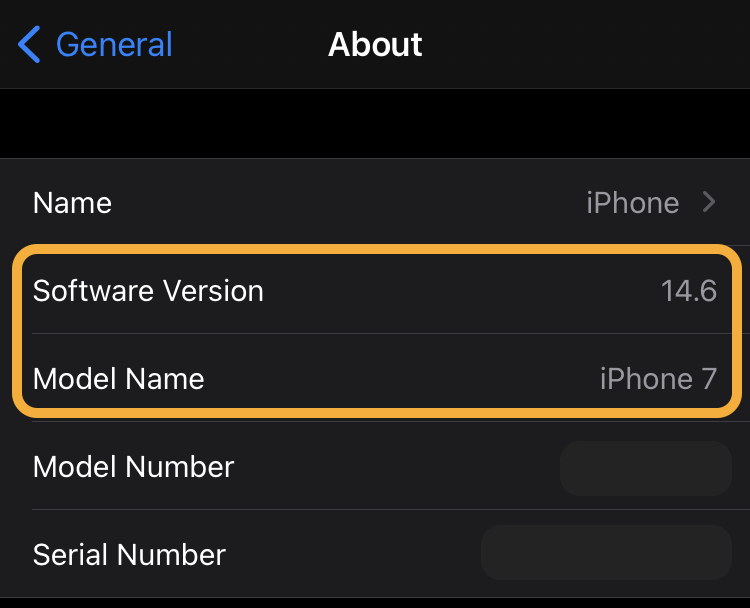
- What device you are using (e.g. Samsung Galaxy S10, iPhone 7)
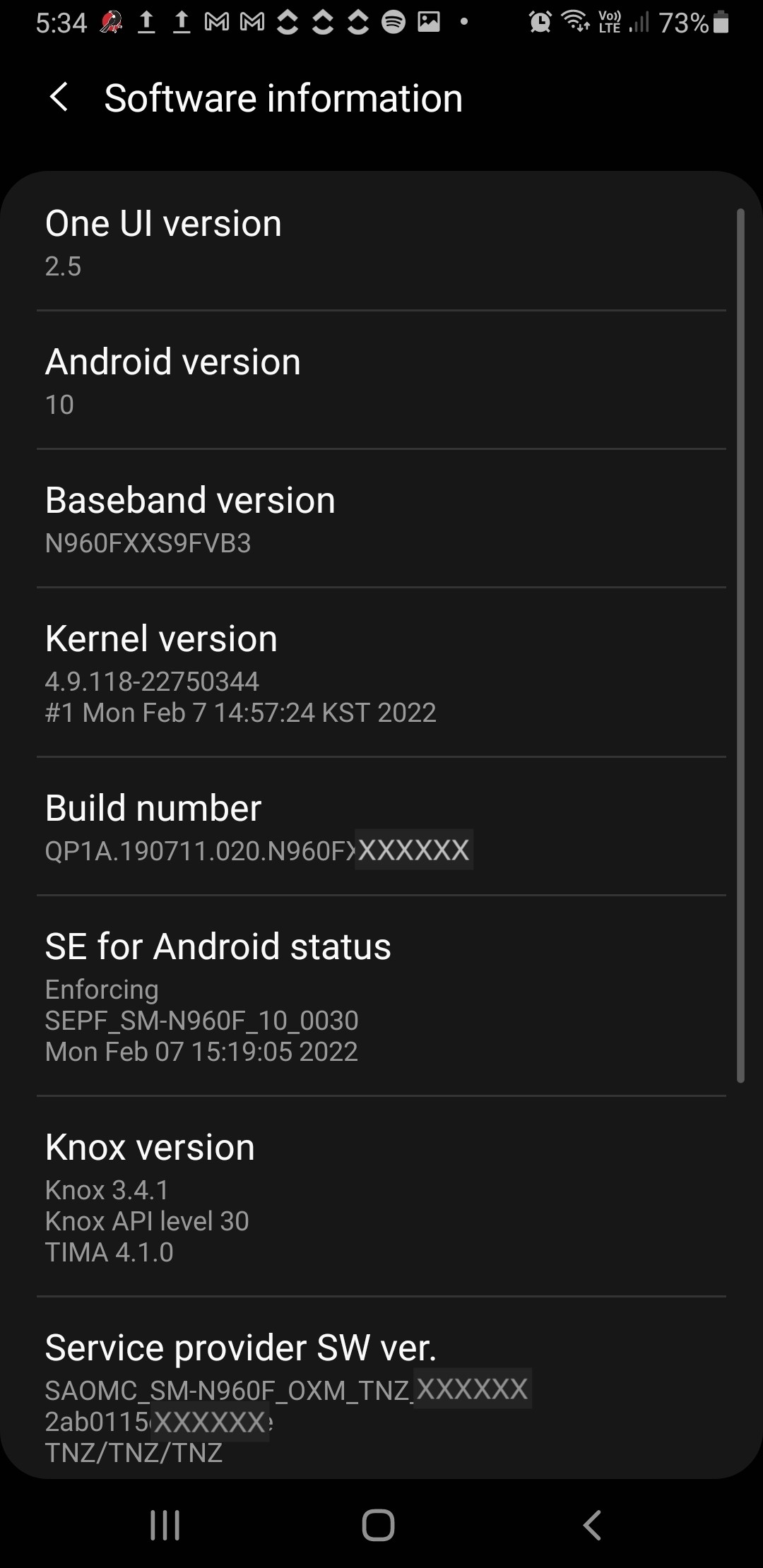
- What OS you have running on the device (e.g. Android 12, iOS 15.3.1)
- What OS you are running (e.g. Windows 11, macOS 10.15)
- What browser you are using (e.g. Firefox, Chrome, Safari)
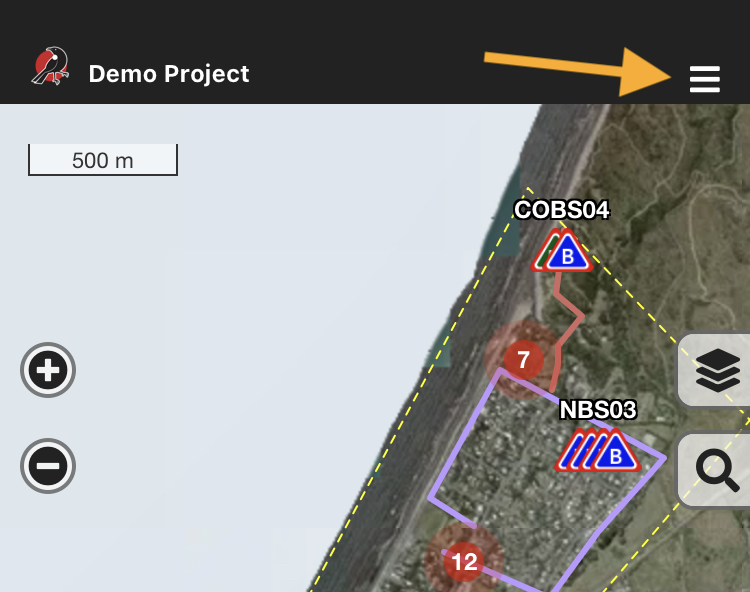
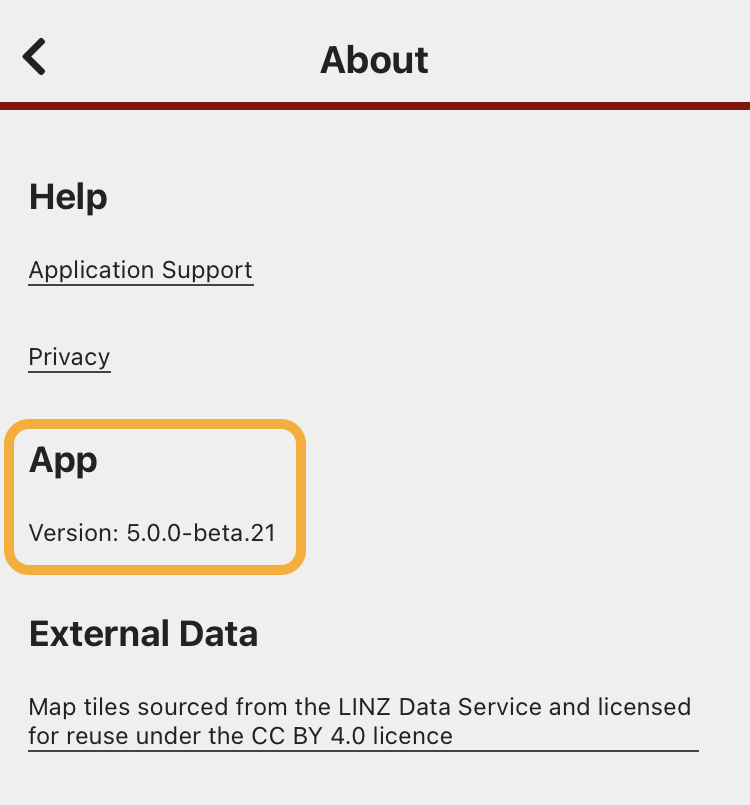
How to find the app version number
When you're logged in to the app:
How to find your app device information
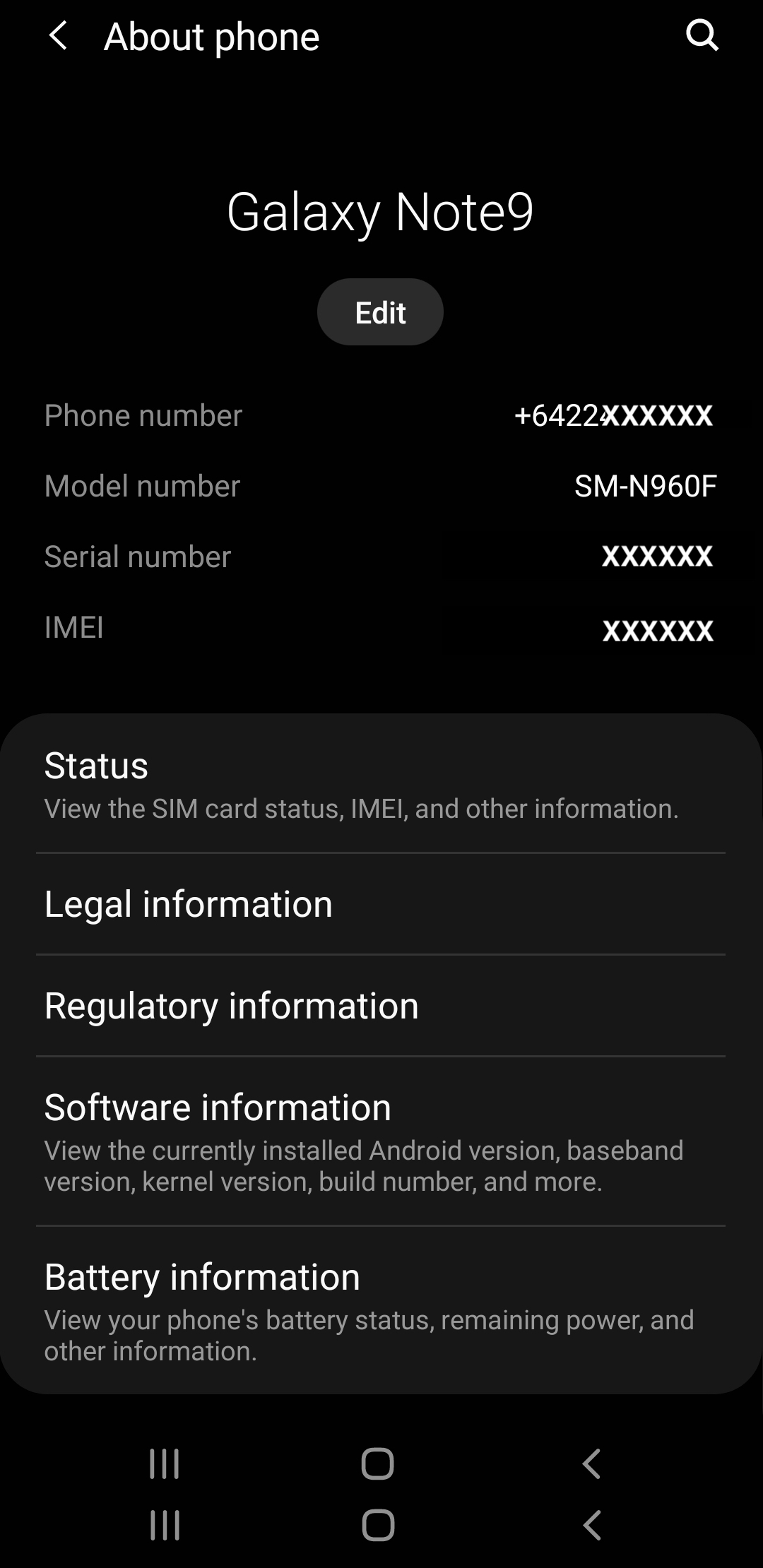
Android
Settings > About phone
Apple / iOS
Settings > General > About