Editing project details
Only users with an "Administrator" role in a project can access these tools.
As an Administraator, you can edit the details for an existing project, including:including your project's name, boundary, description and contact details.
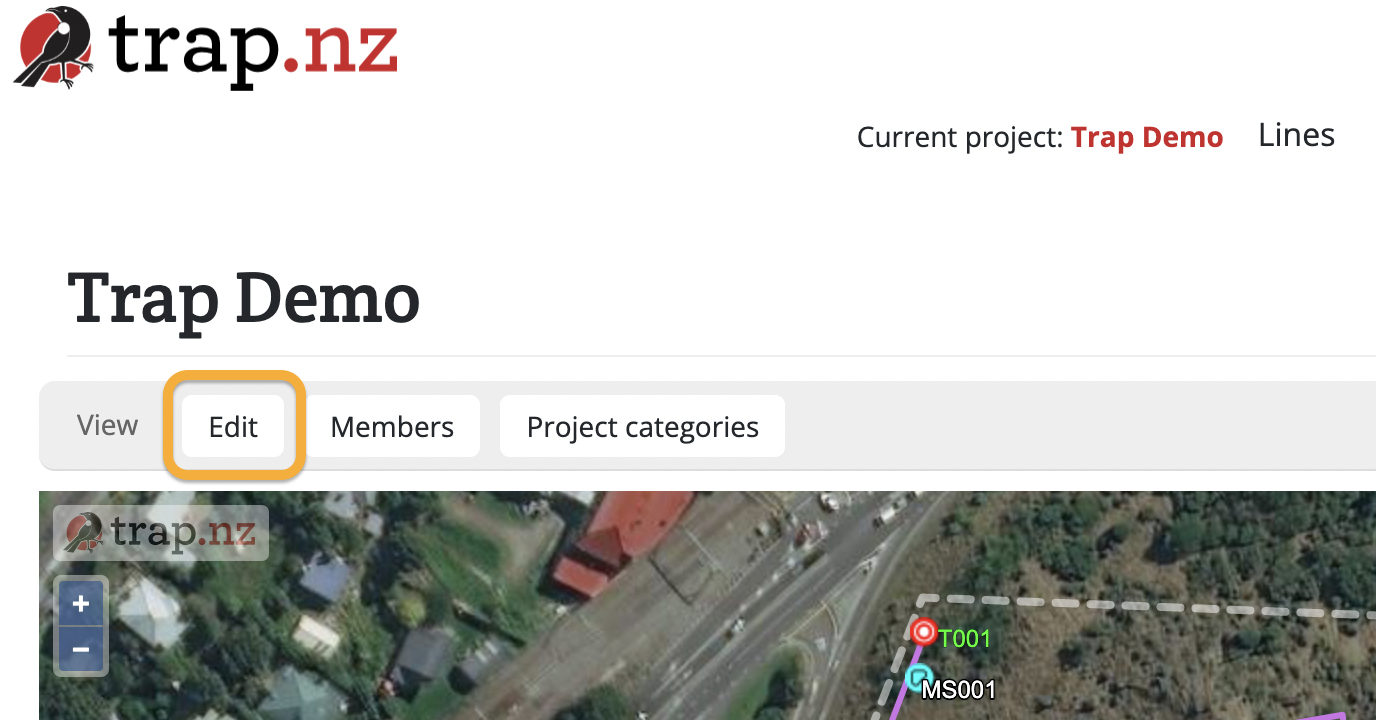
To edit project details:
- Select the project from the My Projects list
- Click the "Edit" button
- A form will load, including a project map with your current project boundaries visible
- You can edit any of the fields, and edit the project boundary on the map
- Click the green "Save" button to save your changes