
Deleting traps or stations
A station can only be deleted if there are no records associated with it.
If you wish to delete a station which has records associated with it, you have two options. You can either:
If you wish to delete multiple traps at once, you can do this with the bulk edit traps option in the Manage Traps menu.
To delete a trap:
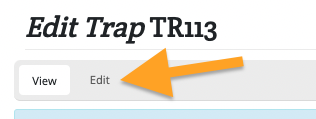
Scroll down to the bottom of the page and click the red "Delete" button
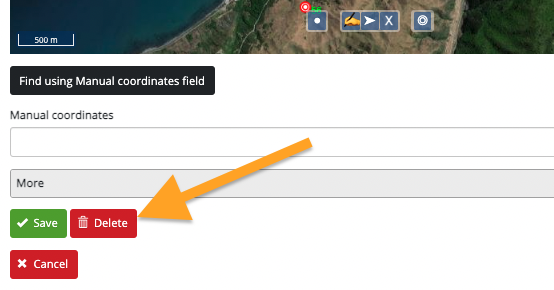
Click the red "Delete" button on the next page to confirm deletion of this trap.