You get to the settings menu by clicking on the three horizontal lines in the top right corner (sometimes called the hamburger!).
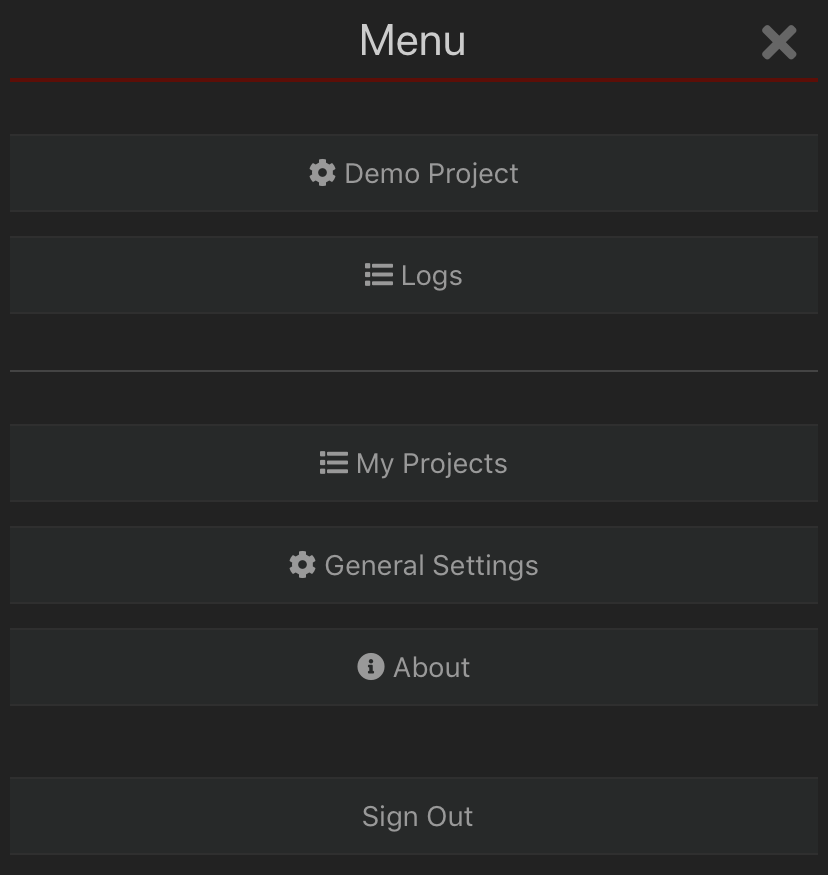
Project Settings
Re-download files and set offline preferences
Logs
Shows a list of recent updates from the app to the server with problems highlighted. Clicking on these messages gives more detailed information for debugging purposes.
My Projects
Takes you back to your project list where you can switch to another project.
General Settings
Map layer preferences, record defaults, notification settings etc.
About
Links to support and privacy policy, app version number.
Sign out
Log out of the mobile app.
